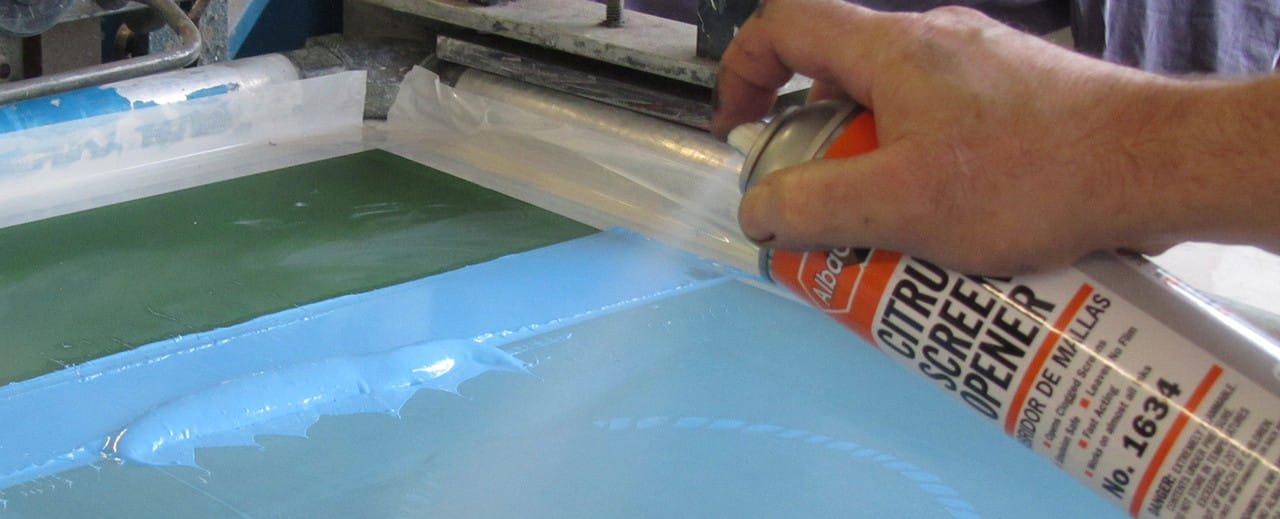
Most screen printers have experienced it.
You’re halfway through a production run when ink starts drying in the mesh. The image begins plugging up, prints start looking rough, and production slows to a crawl. Someone grabs a can of screen opener, gives the screen a quick spray, and suddenly everything is back to normal.
There’s no denying it—screen opener works.
In fact, it works really well.
The problem is that many shops become too reliant on it and start using it as part of their everyday process instead of treating it as the emergency tool it was meant to be.
Why Screen Opener Works So Well
Screen opener is designed to quickly dissolve and break down ink that has dried in the mesh. That’s exactly why it can save a production run when a screen unexpectedly locks up.
The same aggressive chemistry that makes it effective, however, is also the reason shops should be cautious about using it too often.
Most aerosol screen openers contain strong solvents that can contribute to:
- Poor air quality in the shop
- Eye, skin, and respiratory irritation
- Headaches and dizziness
- Increased chemical exposure for employees
- Unpleasant working conditions in the pressroom
In smaller shops or facilities with limited ventilation, those aerosols can linger in the air longer than many people realize.
While an occasional spray during an emergency is one thing, using it repeatedly throughout the day can create unnecessary exposure for everyone in the production area.
Screen Opener Should Never Be Part of Your Standard Reclaim Process
One of the biggest mistakes shops make is using screen opener as a routine reclaim chemical.
If screen opener is being used daily to remove ink, clean screens, or speed up reclaim, there’s usually a process issue that needs to be addressed.
Screen opener was never intended to replace proper reclaim chemistry.
Using it as a standard reclaim tool can:
- Increase chemical costs
- Create unnecessary employee exposure
- Produce inconsistent results
- Mask larger workflow problems
- Make reclaim areas less safe and less pleasant to work in
A well-designed reclaim process should rely on chemistry that was specifically developed for reclaiming screens—not emergency aerosol products.
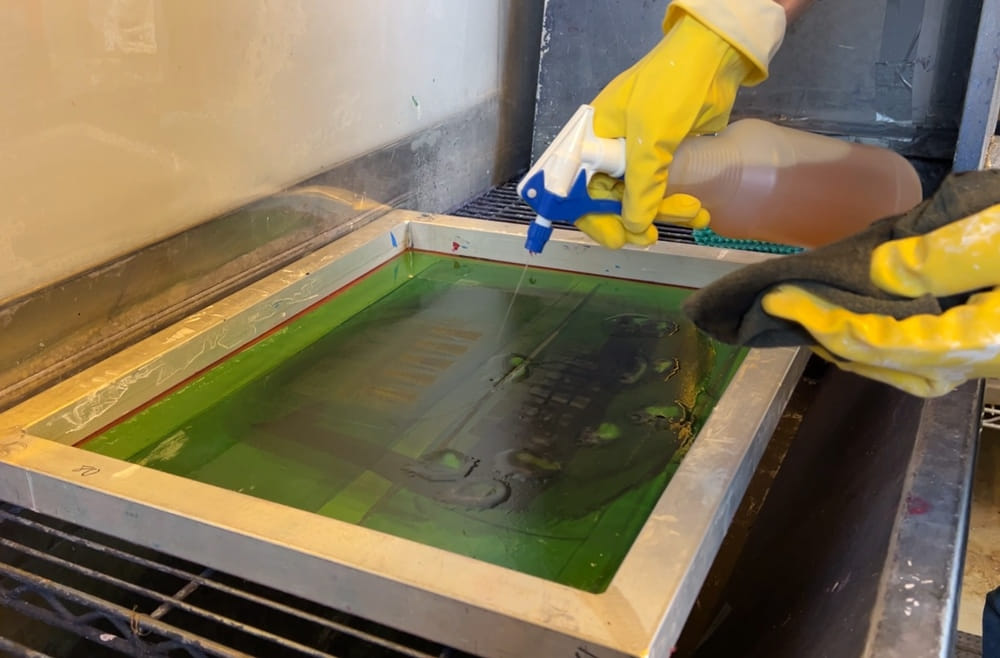
Use the Right Chemistry for the Job
The most efficient shops build repeatable systems around purpose-built products.
Rather than relying on screen opener, consider using a workflow built around proper reclaim chemistry.
On-Press Cleanup: SAATI PW1 Press Wash
For routine press cleanup and ink removal during production, SAATI PW1 Press Wash is the preferred solution.
PW1 is designed to remove ink from screens, squeegees, flood bars, and press components without relying on aggressive aerosol solvents. Regular use helps keep equipment clean while reducing the need for emergency fixes later in production.
When operators consistently clean screens and tools with PW1, they’re far less likely to encounter the severe ink buildup that often leads to screen opener use.
Ink Removal During Reclaim: SAATI IR26 Ink Degradant
When it’s time to reclaim screens, SAATI IR26 Ink Degradant should be your primary tool for breaking down ink.
IR26 is specifically formulated to attack and remove ink as part of the reclaim process. Rather than blasting a screen with aerosol chemicals, reclaim technicians can use IR26 to efficiently break down ink before moving on to stencil removal.
The result is a more controlled, repeatable reclaim workflow that is easier on both employees and equipment.
Complete the Workflow
A typical reclaim process may include:
- SAATI PW1 Press Wash for press-side cleanup
- SAATI IR26 Ink Degradent for ink removal
- SAATI ER5 Emulsion Remover for stencil removal
- SAATI Direct Prep 2 Degreaser for screen preparation prior to coating
Each product serves a specific purpose. When shops use the right chemistry at the right stage, reclaim becomes faster, more consistent, and easier to train new employees on.
When Should You Use Screen Opener?
Think of screen opener like a fire extinguisher.
You absolutely want one nearby when you need it.
But you wouldn’t want to use it every day.
Appropriate uses for screen opener include:
- A screen unexpectedly locks up during production
- Ink dries in the image area during a long run
- Production is stopped and a screen needs to be recovered quickly
- Other approved cleaning methods have already been attempted
Situations where screen opener should not be used include:
- Daily reclaim
- Routine press cleanup
- Standard screen cleaning
- Replacing SAATI PW1 Press Wash
- Replacing SAATI IR26 Ink Degradent
- Solving recurring production issues caused by poor process control
If operators are reaching for screen opener several times a day, the shop likely doesn’t have a screen opener problem—it has a process problem.
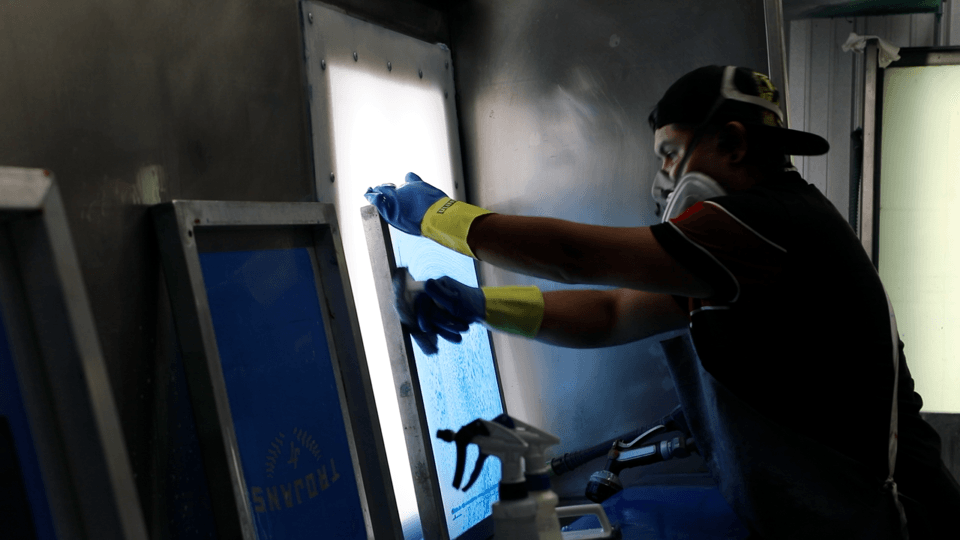
Focus on the Root Cause
The best screen printing operations focus on prevention rather than reaction.
Instead of depending on aerosol sprays, successful shops work to improve:
- Ink management
- Press setup
- Mesh selection
- Humidity control
- Flash settings
- Screen tension
- Reclaim procedures
- Employee training
When those fundamentals are dialed in, screen opener becomes what it was always intended to be: an occasional emergency solution.
Final Thoughts
Screen opener has a place in every screen printing shop. It can save a production run, rescue a clogged screen, and help get a job out the door when things go sideways.
But it should be treated as a last resort—not a standard operating procedure.
For everyday cleaning and reclaim, products like SAATI PW1 Press Wash and SAATI IR26 Ink Degradent provide a safer, more consistent, and more professional approach.
Your employees will appreciate the improved work environment, your reclaim department will operate more efficiently, and your shop will develop stronger processes that rely on good habits instead of quick fixes.
Use screen opener when you truly need it.
Just don’t build your workflow around it.