Faux Appliqué Print for ROQ
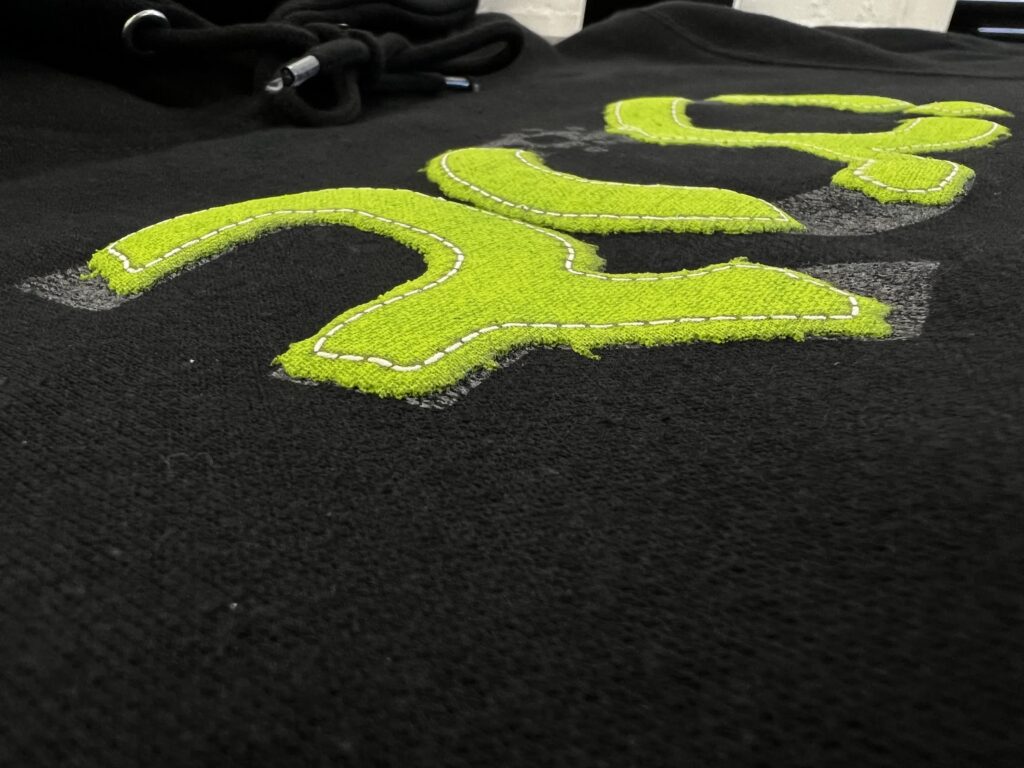
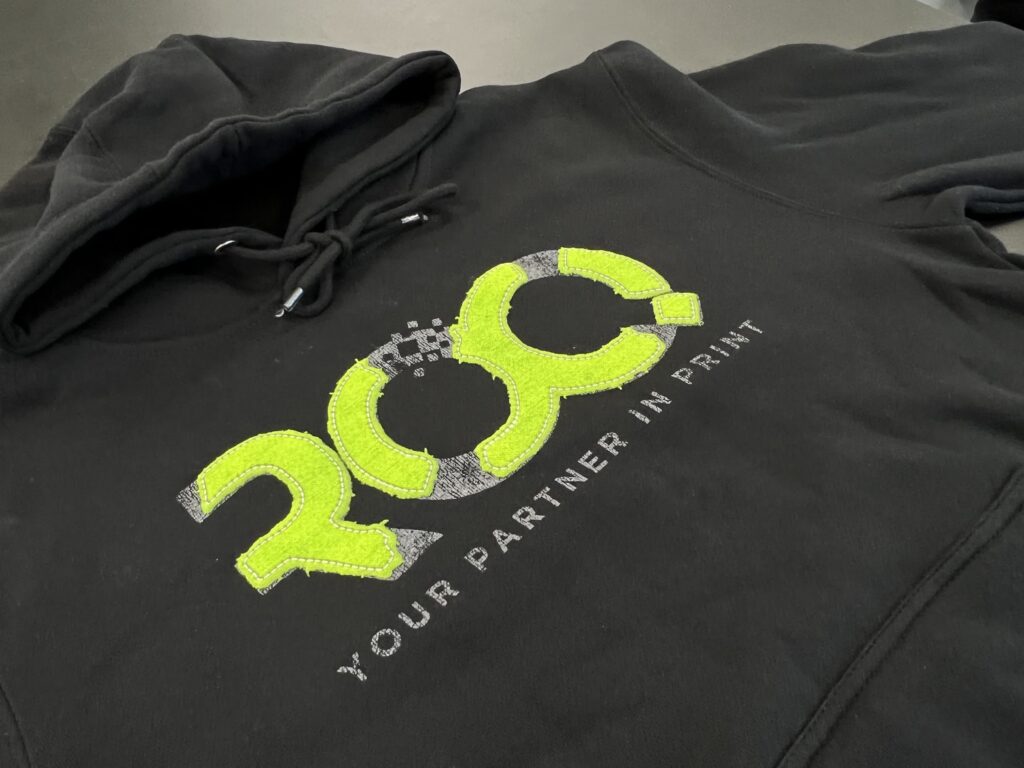
Brian Lessard and MADE Lab created a special effects faux Appliqué design for ROQ to highlight how you can create an extraordinary print on a higher-end garment using six screens. This is how we MADE it.
Pre-Press
We started by selecting a variety of screen meshes using SAATI Hydro Thin Thread mesh on GSF static frames.
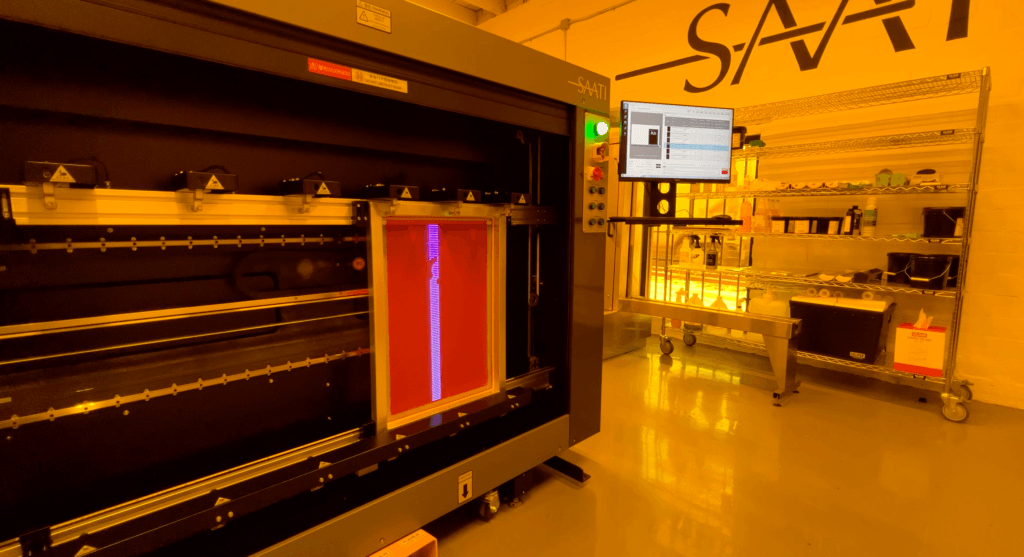
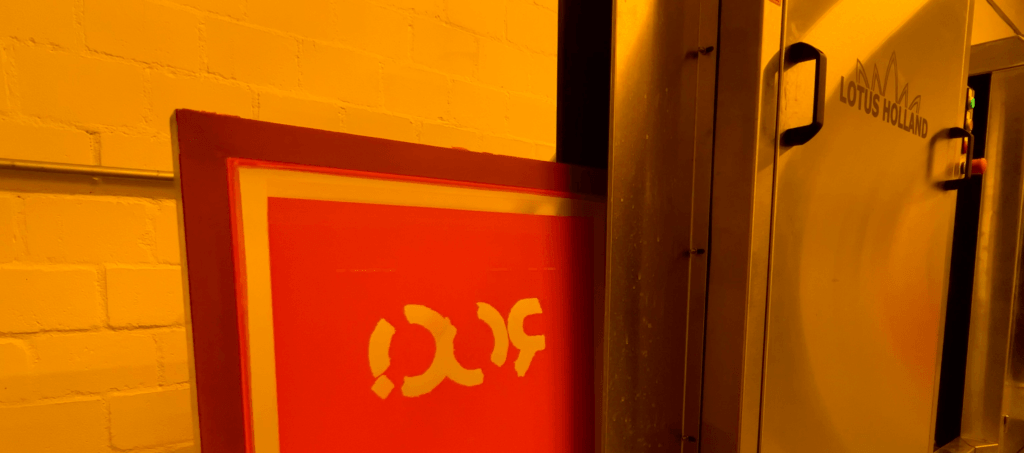
Imaged on our SAATI Laser to Screen 8012BM, screens were then developed automatically with the Lotus Holland Auto Developer.
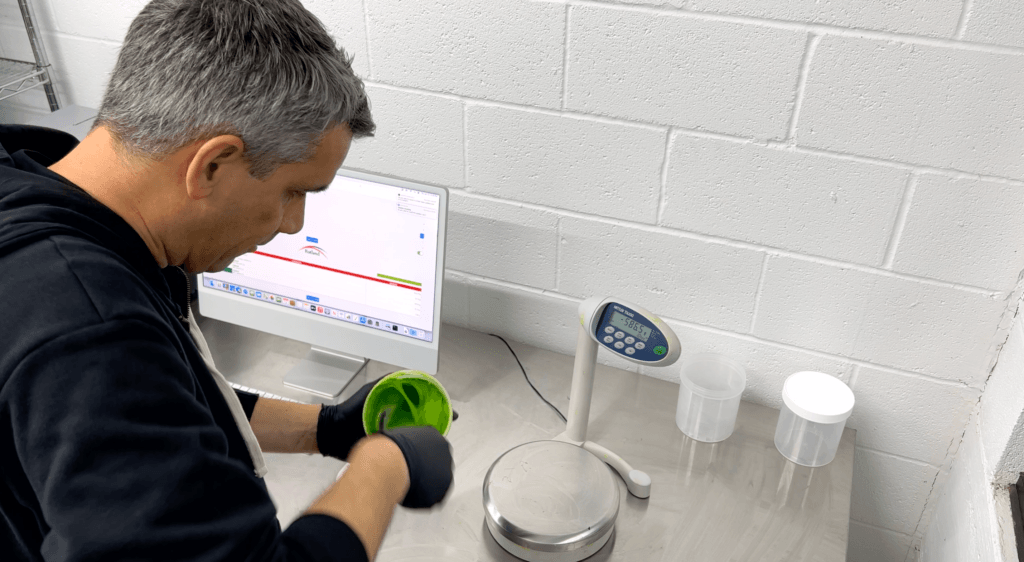
Next, we mixed custom Pantone® inks using the Rutland M3 mixing system from Avient, adding Special FX additives, like Puff additive and HD Soft Base, to some colors.
On Press
We constructed the print in this order:
- Pantone® Cool Grey 9 (Rutland M3 Inks) through a 230 mesh screen.
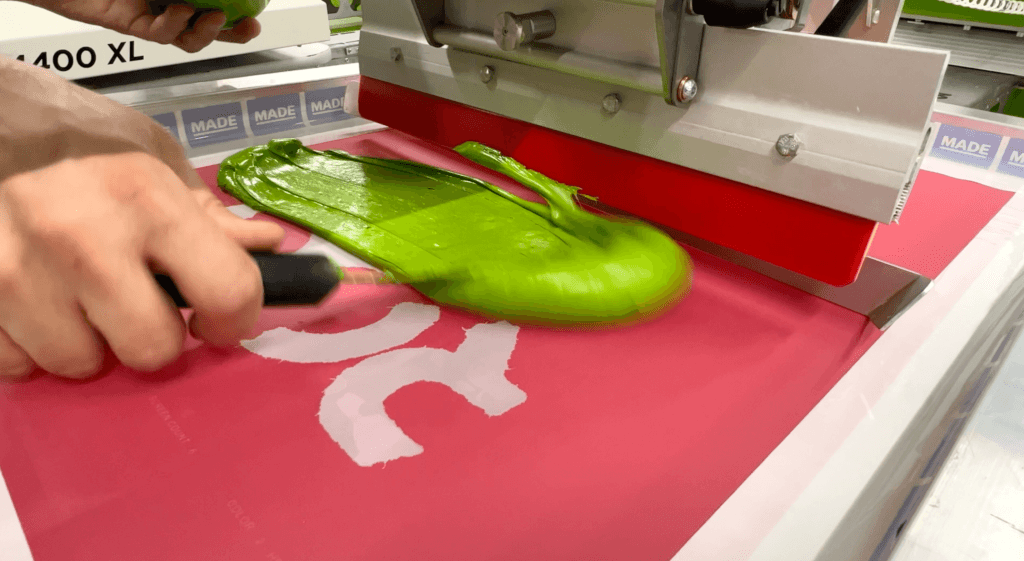
- Pantone® 376 using a special effects mix of Avient HD Soft Base, 15% Rutland C3 Inks, 10% Avient Flexipuff through an 86 mesh screen for a thicker deposit of ink.
- Flash
- Pantone® 376 with Avient HD Soft Base & Rutland C3s through an 86 mesh.
- Flash
- Pantone® 2424 Green (Rutland M3 Inks) through a 305 mesh.
- Avient Finesse Base & 50% Rutland M3 Black through a 305 mesh.
- Pantone® Cool Grey 1 (Rutland M3 Inks) with 30% Avient Flexipuff Additive through a 110 mesh.
Post Press
The garment was cured through our ROQ Sahara Dryer, achieving a temp of 325° F to inflate the puff. The end result is a dimensional print that actually looks and feels like a stitched appliqué.
Learn hands-on this printing technique and other specialty techniques at the MADE To ROQ Advanced Series of Classes from MADE Lab.
If you’d like even more insights into Faux Appliqué printing, read Brian’s previous blog here!