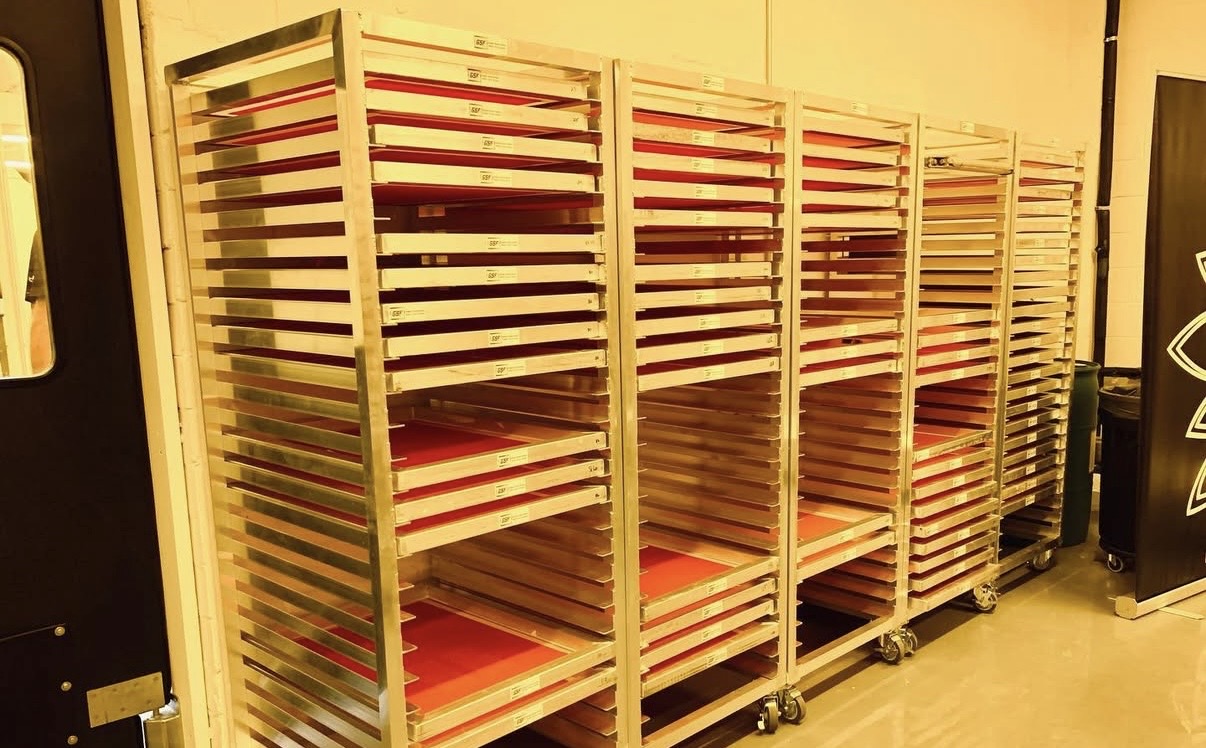
If you’ve ever fought to keep detail in a halftone or couldn’t figure out why your prints weren’t looking as sharp as they should, chances are your mesh count had something to do with it.
Choosing the right mesh count is one of the most important decisions in screen printing — it affects ink deposit, detail, curing, and even how your colors stack. Let’s break down how to pick the right one for the job (and how to avoid a few common headaches).
What Mesh Count Actually Means
Mesh count refers to how many threads of mesh there are per inch. A lower mesh count (like 110) has bigger openings — great for thicker inks or heavy deposits. A higher mesh count (like 230) has smaller openings, letting you hold finer details or thinner layers of ink.
In general:
- Low mesh = more ink, less detail
- High mesh = more detail, less ink
But there’s more to it than that — especially when halftones and multi-layer printing come into play.
The LPI Rule: Mesh Count × 4
Your halftone LPI (lines per inch) has to work with your mesh, not against it.
A good rule of thumb: your mesh count should be at least 4× your LPI.
Example:
If you’re running 45 LPI, you want at least a 180 mesh (45 × 4).
This ensures your dots actually hold on the screen and don’t blow out or merge together.
Getting this wrong is one of the most common mistakes when printing halftones — too coarse of a mesh and your dots turn to mush; too fine, and you risk under-depositing ink.

Stacking Mesh Counts: The Standard Rule
In most cases, you’ll lay down your coarser mesh first — something like a 156 or 158 — to get that solid, opaque foundation. Then, you’ll follow it up with a higher mesh (like a 230) for your top colors or detail layers.
That sequence — coarse first, fine second — works because the heavy base layer gives your print body and brightness, while the higher mesh keeps your top layers tight, smooth, and defined. It’s the tried-and-true setup for most production runs.
Example setup:
- 158 mesh for the underbase
- 230 mesh for top colors
This approach builds coverage, controls ink flow, and keeps things sharp. It’s reliable, consistent, and works across almost any print shop setup.

When to Flip the Script: High Mesh First, Then Coarse
Every rule in printing has its exception. When you’re working on high-detail or custom jobs — like fine logos, small text, or intricate single-color designs — flipping the order can help.
Start with a higher mesh first (like a 230) to nail down detail, crisp edges, and tight registration. Then follow with a coarser mesh (like a 158) to boost opacity and brightness.
Choke the top stencil slightly so your second pass doesn’t soften the fine detail from the first.
Think of it like layering paint — the first layer defines, the second one fills. It’s a controlled way to get both precision and punch in the same print.
This isn’t the everyday setup, but when you’re pushing for next-level results on custom work, breaking your own rules is part of the game.
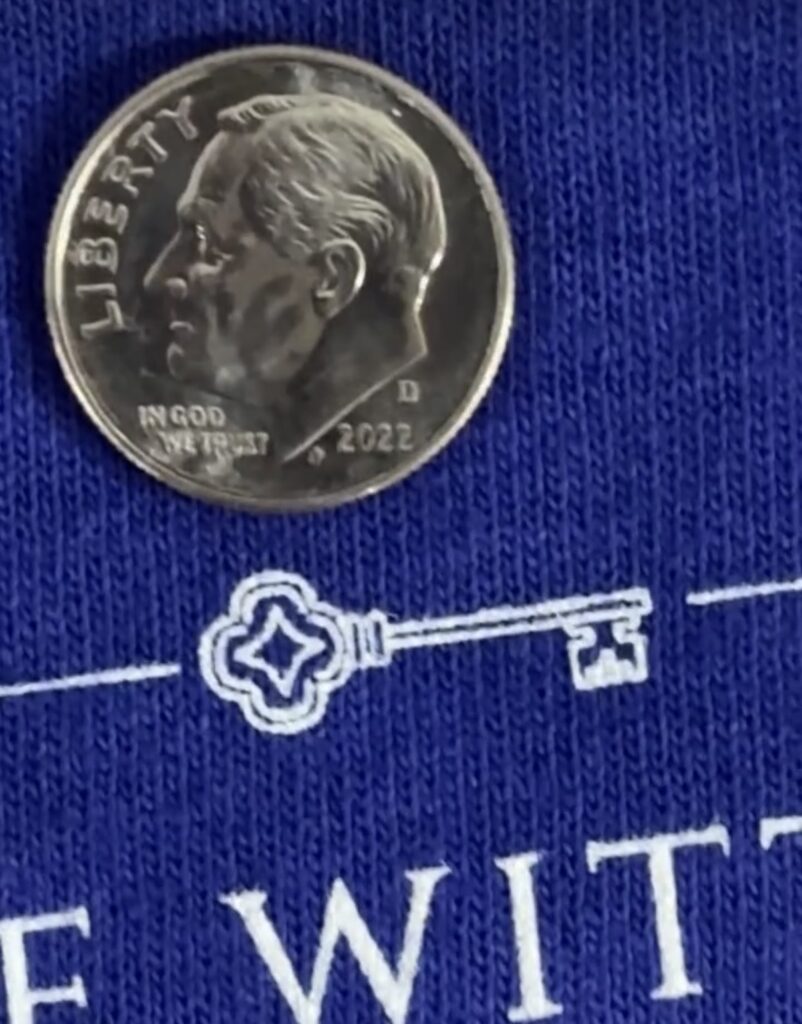
Avoiding Mesh Moiré
Mesh moiré happens when you use the same mesh count on multiple screens — the overlapping grid patterns create that weird, trippy interference.
Simple fix: mix your mesh counts. For example, a 158 and a 230 combo will almost always keep your print clean and moiré-free.
Final Thoughts
Mesh count might seem like a small detail, but it can make or break your print. Getting it right means cleaner halftones, better coverage, fewer misprints, and a smoother production flow.
When you’re setting up:
- Match your mesh to your LPI (×4 rule).
- Coarse first, fine second — for solid, reliable results.
- Flip it only when the design demands it.
- Mix mesh counts to avoid moiré.
The best printers know when to follow the rules — and when to bend them. Dial this in once, and you’ll wonder how you ever printed without it.