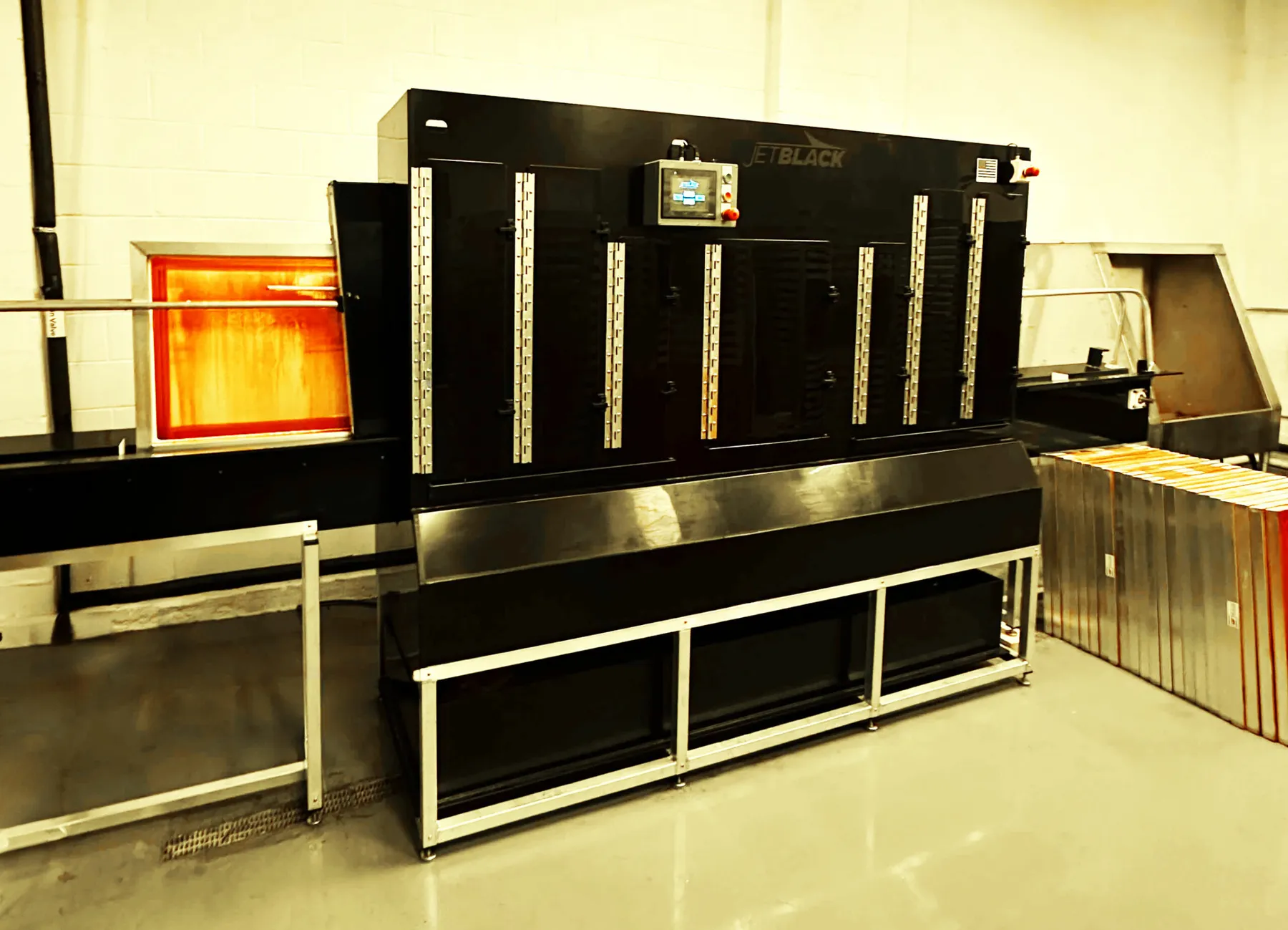
At MADE Lab, we’re constantly building tools, training, and systems that help screen print shops scale their production while maintaining elite-level quality and efficiency. One of the most common bottlenecks in production? Screen reclaim. That’s why our Training & Support Manager, Kyle Caldwell, created the following Standard Operating Procedure (SOP) specifically for our client Drip Swag, powered by ROQ.US equipment.
This SOP outlines best practices for operating the ROQ Jet Black automated reclaim system—a powerful solution that simplifies and automates the reclaim process to keep your screens production-ready with less labor and reduced chemical exposure.
If you’re looking to upskill your team or get hands-on support with automating your screen room, click here to connect with Kyle and learn more about our Training & Support services.
SOP: ROQ.us Jet Black Reclaim Machine
Purpose
To provide a standardized method for safely and efficiently reclaiming screens using the ROQ.us Jet Black automated reclaim system, ensuring clean, production-ready screens with minimal labor and chemical exposure.
Scope
This SOP applies to all production and screen room staff responsible for screen reclaim processes at facilities equipped with the ROQ.us Jet Black reclaim unit.
Equipment & Materials
- Dirty/imaged screens
- Easyway or Saati ROQ-compatible reclaim chemicals (e.g., emulsion remover, ink degradent/degreaser)
- PPE (gloves, apron, eye protection)
- Fresh water source (connected to unit)
- Screen drying rack or drying cabinet
Safety Precautions
- Always wear gloves and eye protection.
- Ensure exhaust and ventilation systems are operational.
- Confirm machine doors are securely latched before starting.
- Never open doors mid-cycle.
Procedure
1. Preparation
- Power on the Jet Black reclaim system.
- Check chemical levels and fill if below minimum lines.
- Verify that the waste tank is not full.
- Inspect screens for excessive buildup; scrape off heavy ink if needed.
- Ensure all tape has been removed from screens.
2. Dunking Screens
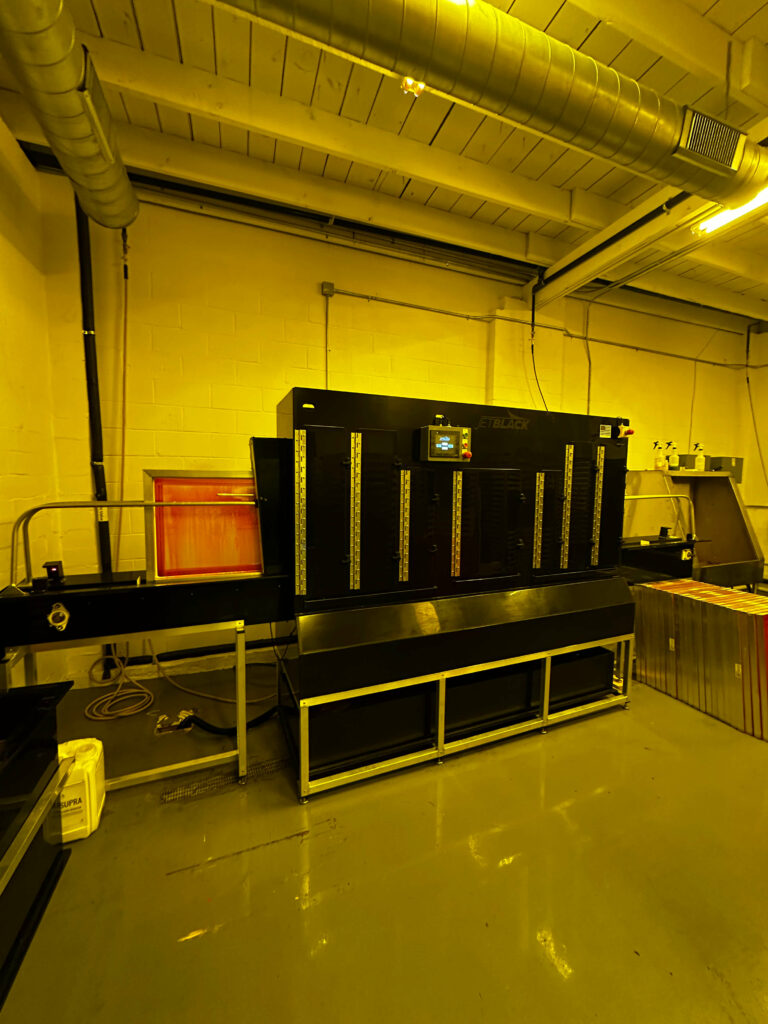
- Card excess ink from screen, as much as possible.
- Remove tape.
- Place in front end dip tank for 30 seconds until emulsion is soft
- Do not leave screen in dip tank for extended periods as this will ruin your chemistry.
3. Loading Screens
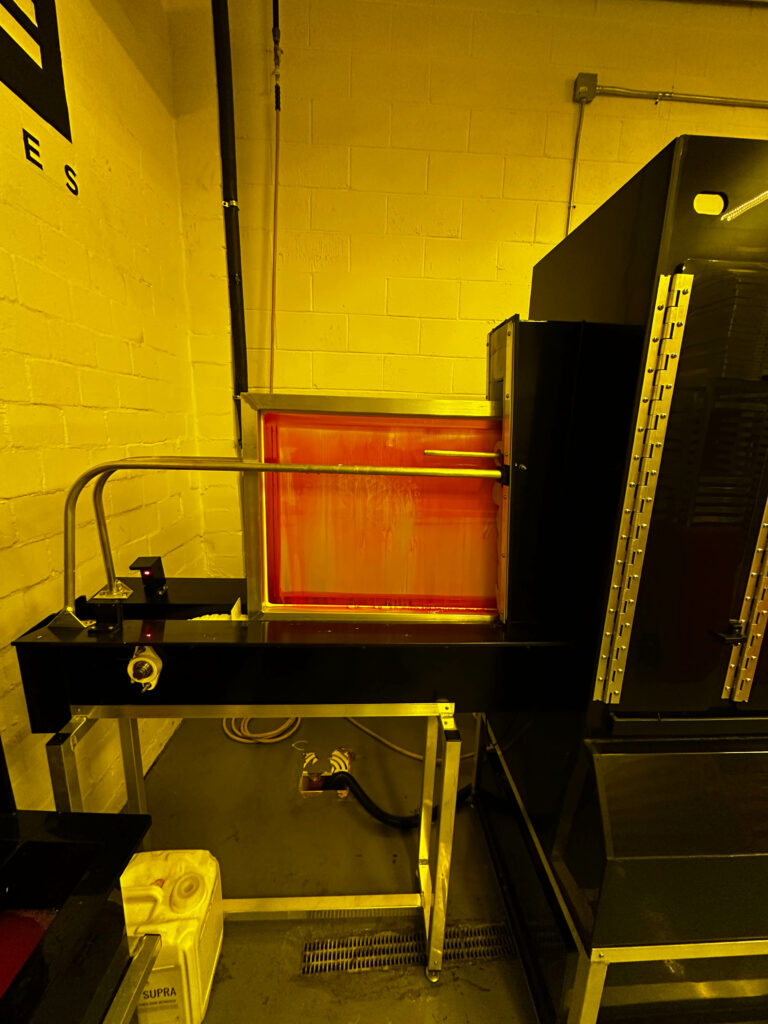
- Place screens in designated holders, mesh side facing inward.
- Do not overload—follow manufacturer guidance (e.g., max 4 screens per batch).
4. Selecting and Starting the Cycle
- Use the touchscreen interface to select the appropriate reclaim program (standard, heavy-duty, etc.).
- Confirm cycle time, chemical use, and rinse settings.
- Press “Start.” The Jet Black will proceed through chemical spray, dwell, high-pressure rinse, and final rinse phases.
5. Post-Cycle Unloading
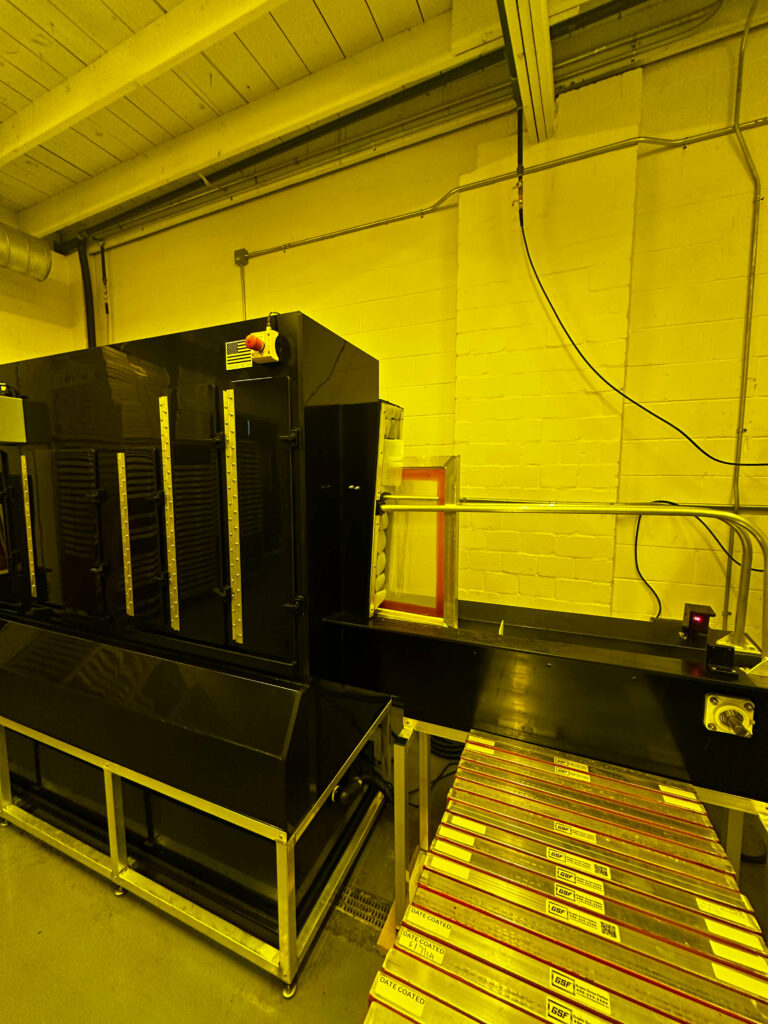
- When the cycle completes and the machine indicates “Ready,” open the door.
- Carefully remove the reclaimed screens and inspect them for residual emulsion or ink.
- If screens do not pass inspection, either send them through for a second cycle or spot clean and degrease them in the booth.
- Place clean screens on drying rack or into a drying cabinet.
6. Cleaning & Shutdown
- Rinse down interior spray nozzles if chemical buildup is visible.
- Check chemical tanks and top off if needed.
- Wipe exterior with a clean cloth.
- Turn off power and document screen count for the day.
Maintenance
Frequency | Task |
|---|---|
Daily | Rinse chamber interior, check chemical levels |
Weekly | Inspect and clean nozzles, drain and refill tanks if cloudy |
Monthly | Full chemical flush and filter replacement (if applicable) |
Frequency
Task
Daily
Rinse chamber interior, check chemical levels
Weekly
Inspect and clean nozzles, drain and refill tanks if cloudy
Monthly
Full chemical flush and filter replacement (if applicable)
Troubleshooting
Issue | Cause | Solution |
|---|---|---|
Screens not fully clean | Worn nozzles or low chemical | Replace nozzles, refill chemicals |
Door won’t latch | Debris in latch or misalignment | Clean latch, realign door |
Cycle won’t start | Door not latched or error code | Reseat door and restart system |
Issue
Cause
Solution
Screens not fully clean
Worn nozzles or low chemical
Replace nozzles, refill chemicals
Door won’t latch
Debris in latch or misalignment
Clean latch, realign door
Cycle won’t start
Door not latched or error code
Reseat door and restart system
Notes
- Do not run multiple reclaim programs back-to-back without checking chemical saturation.
- Always log screen count and issues in the reclaim logbook.
- Replace PPE if damaged during use.
- For further reference, consult the ROQ.us Jet Black User Manual or contact your supervisor.
Ready to Optimize Your Processes?
This SOP is just one example of how MADE Training & Support can help streamline your shop operations. Whether you’re investing in automation or training new team members, our expert trainers—like Kyle—are here to build systems that scale with you. Click here to schedule a FREE session with Kyle or learn more about MADE Training & Support